Create, Dare, Be Passionate!


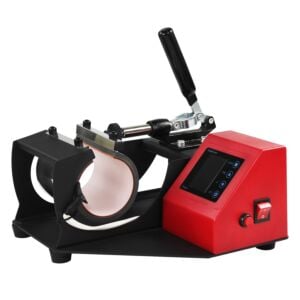
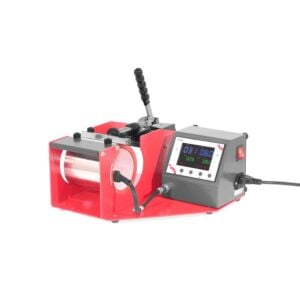
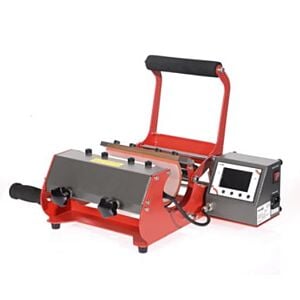
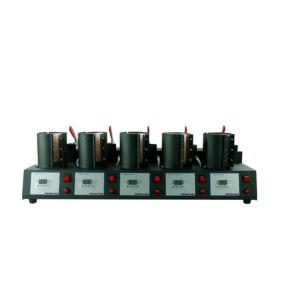
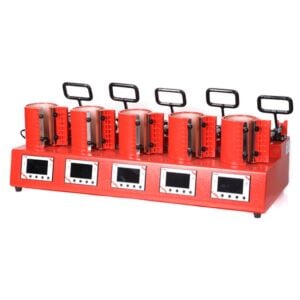
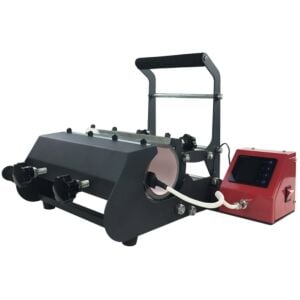
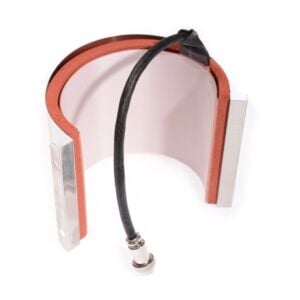
Mug press
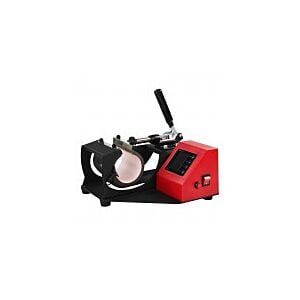
Discover a wide range of mug presses allowing you to personalize mugs, cups, and water bottles!
What is a mug press used for?
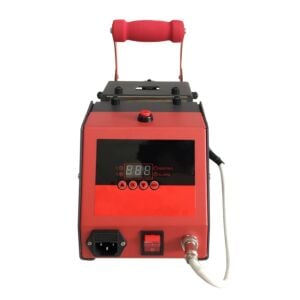
This type of press, easily adjustable thanks to its screen, allows you to select a temperature and pressing time to transfer your image or logo directly onto the surface by sublimation or to heat-seal it with laser transfer papers such as Waterslide papers for laser printers.How to personalize a mug?
In sublimation Simply print your design, place the printed transfer sheet around the mug using heat-resistant tape, and then press it for 3 minutes at 200°C. Once pressed, remove the heat transfer sheet and allow the mug to cool. Thanks to our AAA-quality sublimation mugs, the mug is dishwasher and microwave safe, maintaining its brightness and vibrant colors for years to come.Laser Transfer With Multi-Trans papers, print your design using a laser printer, place the transfer paper onto the mug using high-temperature tape, and press for 60 seconds at 130°C. Let the mug cool and simply remove the transfer sheet!
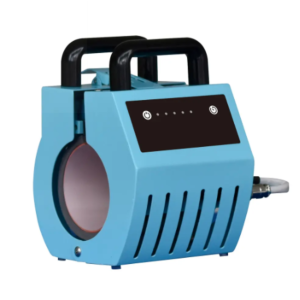
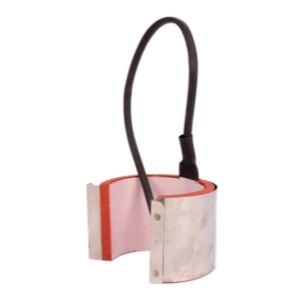
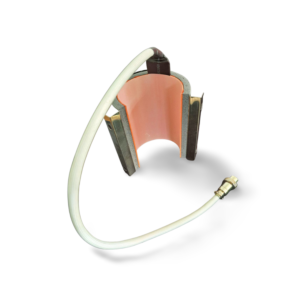
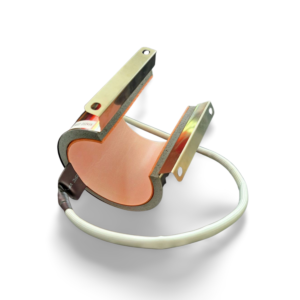
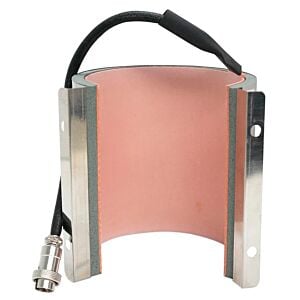
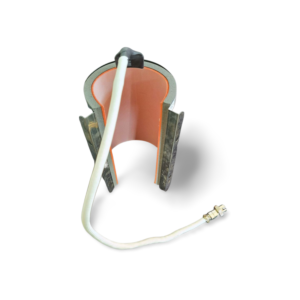
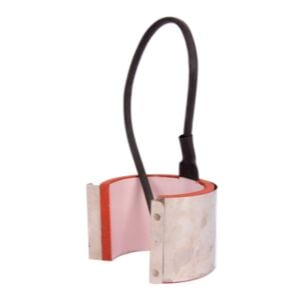
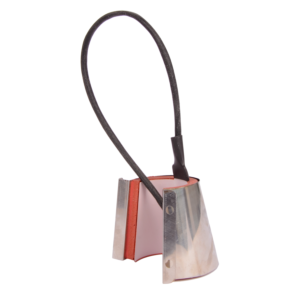
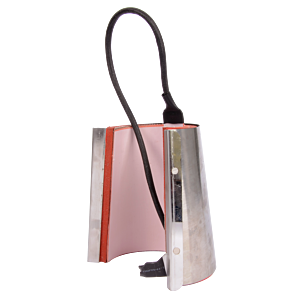
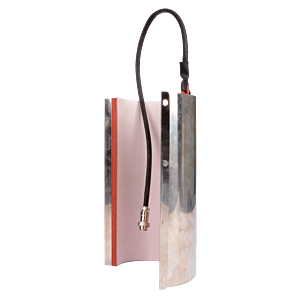
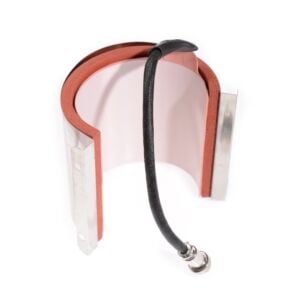
All mug presses come with a 75-90mm heating element for making standard mugs/cups. For personalizing water bottles, you will need a 60-75mm heating element, depending on the press model, which will be adapted to the correct diameter.
-
![]()
-
![]()
-
![]()
-
![]()
-
![]()
-
![]()
-
![]() -7%
-7% -
![]()
-
![]()
-
![]()
-
![]()
-
![]()
-
![]()
-
![]()
-
![]()

Filter
Refine the options
What's on



In-person training (half-day)
0,00 € 0,00 €
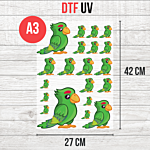
DTF UV Transfer Sheet - A3 Size - 27 x 42 cm
9,50 € 7,92 € From 6,50 €
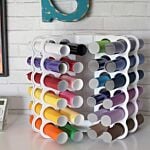
New! Storage tower for Flex or Vinyl - 36 slots
59,99 € 49,99 €