

Personalize your smartphone case!
We cherish and protect our smartphones! They're essential for staying connected and indispensable these days. Personalized phone cases have become the must-have accessory for standing out and having a unique phone.
What are you waiting for to get started?
To create your custom phone case, you will need:
sublimation printer Sawgrass SG500 or SG1000
- A set of 4 Sublijet ink cartridges- Sublimation paper, such as Truepix
- A heat press, such as the 38 x 38 cm Side Opening Press
- A blank sublimable smartphone case (the sublimation plate is included)
- A roll of high-temperature tape
- A pair of high-temperature gloves
- A protective sheet, such as Teflon film
1. Print your image
Choose your design and import it into Creative Studio software (available at www.sawgrassink.com).
Select the "phone case" template, add your design and text, then print in "mirror" mode using your SPM (Smart Print Manager) software, selecting the "metal" substrate.
Keep in mind that trends in products like phone cases are numerous. Smartphone owners enjoy changing their cases to reflect the seasons or special occasions. Opt for cozy colors for winter and funkier colors for summer.
We're also seeing an increase in personalization with a photo or a name. In general, phone case personalization is a huge success for all occasions: birthdays, Christmas, etc.
2. Adjust your press
For transferring images onto smartphone cases, we recommend setting your heat press to a temperature of 160°C and pressing for approximately 60 seconds with strong pressure.
3. Make your transfer
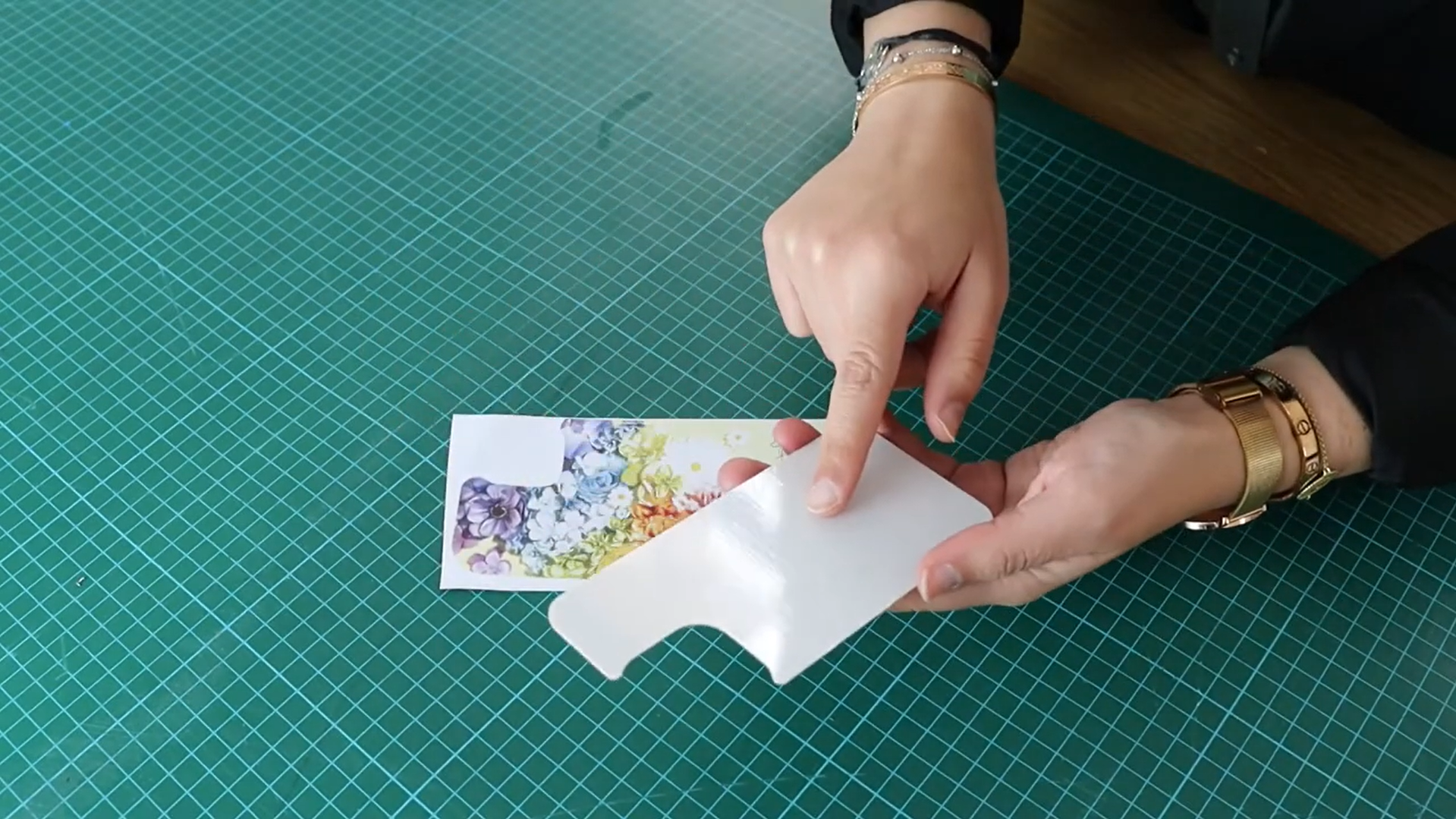
Has your heat press reached temperature? You can now position your printed image on the plate, printed side down. Remember to remove the clear film from the plate before placing your image on the substrate.
For better adhesion, we recommend securing the sublimation paper with high-temperature tape and placing a protective sheet (Teflon sheet, matte finishing sheet, or parchment paper) on top to protect your heat press and substrate.
Are you ready? Press!
Note : In general, the procedure to follow in sublimation is always the same: Printing, Setting the Parameters in the SPM software, setting the parameters of the Press, Heat transfer.
4. Assemble your shell
Ring, ring! Time's up. Using your heat-resistant gloves, perform the heat peel. This means that immediately after pressing, you must remove the heat-resistant paper and tape.
Attaching your sublimated plate to your case is very simple: just remove the protective film from the case to reveal the adhesive backing. Then, press the plate onto the case and hold firmly for a few seconds. Your case is ready!
Quick Tip: To optimize your production, you can work in "batch," meaning you can sublimate several shells at the same time. To do this, proceed as described above, position several trays on the press, and press them all simultaneously!
There you go, your case is ready!
To better understand the steps involved in creating a personalized phone case, check out our Créa'TV: Personalizing phone cases using sublimation
Need more information on Sublimation? We offer free online training (webinars) on this topic:
- Sublimation
- SG500 / SG1000 Sublimation Printers
- Sublimation: Maintenance and Tips
- Creative Studio Software
- SPM Software
- Enhance ChromaLuxe
- Personalize your Dark Textiles with Sublimation
- EasySubli Paper
- Liberty Subli
- Liberty Patch
- Liberty Patch Satin Effect
Find all the dates and register by clicking on this link.
Also check out all our video tutorials on our YouTube channel.
To discover our tips, advice, and new products, subscribe to our social networks: Facebook, Instagram, LinkedIn, and TikTok.
See you soon,
The Créadhésif Team


